
The pitch in one paragraph
You bill by the hour. You forget to start timers. On Friday afternoon you
reconstruct the week from git log, browser history, and bad memory.
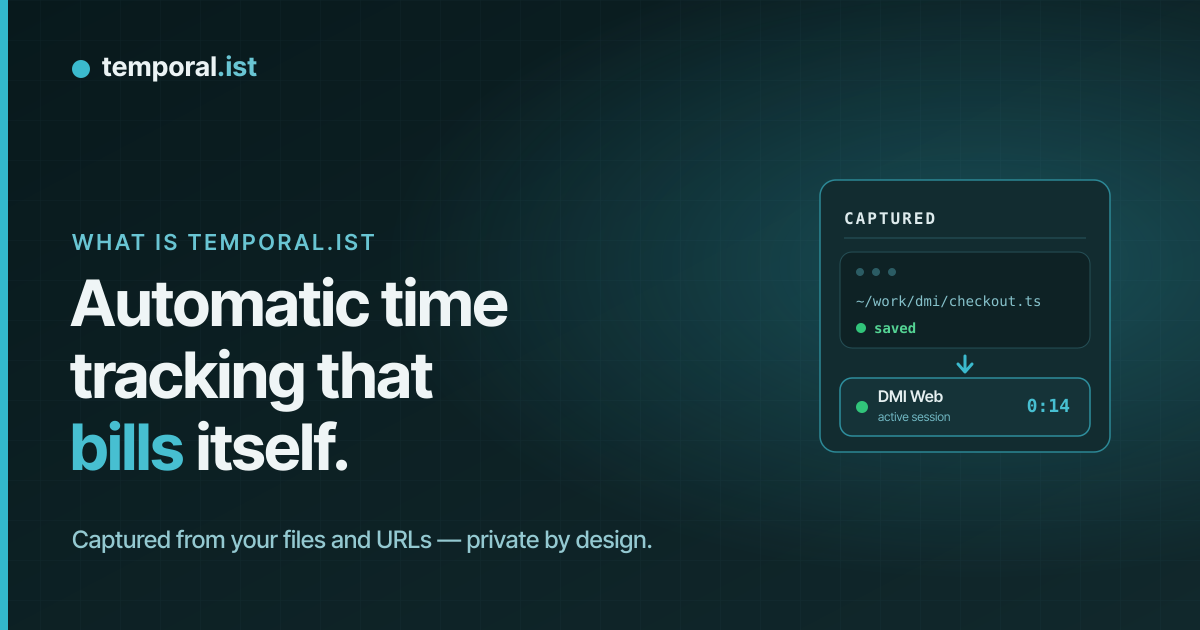
Temporal.ist makes that the exception, not the routine: the desktop client
watches the directories you tell it to, the browser extensions watch the URLs
you visit, and sessions appear automatically — tagged to the right project,
ready to be turned into an invoice.
That's it. The rest of this post explains how, why, and what it isn't.
What it actually does
Three pieces, each modest:
- Desktop client (macOS, Windows, Linux). Runs in the background. Watches
directories you've configured — for example~/code/clients/dmi/—
for file events. When you edit a file, a session for that project starts.
When you stop touching files for a while (default 15 minutes), the session
ends. Local-first: everything is stored in a local SQLite database and
syncs to the backend on its own schedule. - Browser extensions (Chrome, Firefox, Edge, Safari). Watch the URLs of
tabs you visit. URL patterns map to projects: time on
github.com/dmi-co/*lands on the Dunder Mifflin project; time on
figma.com/file/*dmi*lands on the same project. Manual bookkeeping is
limited to setting up the patterns once. - Web dashboard. Where you review the week, edit sessions if you need to,
build invoices, and see per-client / per-project totals. Teams and
organisations are first-class — managers see roll-ups, individual
contributors see their own data.
There's no app for your phone. There's no AI-summarised draft of your week
inferred from desktop memory. There's no "productivity score". There won't
be any of those soon — by design.
What it isn't
We're explicit about this because the category is full of products that look
similar but aren't:
- Not a workforce monitor. No screenshots. Ever. No mouse-jiggle scoring,
no keystroke logs, no per-window time. If your business model requires
surveillance to function, Temporal.ist is the wrong tool —Others do that job. We won't compete for it. - Not a focus coach. Temporal.ist won't tell you you're wasting time on
YouTube. It'll just record that you spent 18 minutes there. If you want
judgement, RescueTime or Rize are the tools to pair us with. - Not a manual stopwatch with a fancier UI. A manual timer is in the
product as a fallback. The default expectation is that you don't touch it.
Why we're building it
Most time-tracking products were designed for a world where the work happened
in front of one application that you opened deliberately. That world no
longer exists. A normal billable hour for a developer or a designer is
spread across an IDE, a browser, three Slack channels, two Figma files, and
a terminal — all in 15 minutes. Asking humans to start a timer for each of
those context switches is a losing fight against attention. The result is the
Friday-afternoon timesheet ritual, which is a known accuracy disaster.
Automatic capture isn't new — Timely, Memtime, Timing, ActivityWatch have
each been doing it for years. What we noticed was missing:
- A shared product across all three operating systems (most automatic
trackers are macOS-only). - Invoicing in the same tool, not "export to QuickBooks." The friction of
two products is real for one-person businesses. - Transparent capture: you can read everything that was recorded as plain
file paths and URLs, no AI re-shaping in between. We're not against AI on
top of capture, but we're against AI as the only way to see what was
captured. - A clear no-surveillance posture. The category has slid towards
monitoring; we want to occupy the space that explicitly refuses it.
Where we are now
Temporal.ist is in early access. It's free to use right now. We haven't
priced it yet. Rough edges exist — there are integrations we don't have, the
mobile app doesn't exist, the macOS polish isn't yet at Timing levels. We're
shipping weekly.
If you'd like to try it, sign up below. If a specific integration would
unblock you, tell us — that's how we prioritise the roadmap.
What's next
Over the coming weeks we'll publish more in this series:
- A deep dive on how the file-watcher actually decides what counts as a
session (it's less obvious than it sounds). - Privacy at work: what we capture, where it lives, who sees what, and
why we made each choice. - The autonomous billing workflow: a longer essay on why we think the
category is about to change.
If any of that resonates, the best way to follow along is to get on the
mailing list at the bottom of the page — or just bookmark this blog.
See also
- what Temporal.ist sends to the server — Field-by-field look at the data we capture.
- track billable hours without a timer — Capture hours from file edits, no stopwatch.
- automatic time tracking for developers — Works in any editor by watching files.
- team time roll-ups for agencies — Per-project and per-team totals without surveilling the team.
- privacy-first time tracking — Track accurate hours without monitoring or screenshots.