
Peak hours
09:14–11:40
Your sharpest work ships before lunch. Schedule like it.
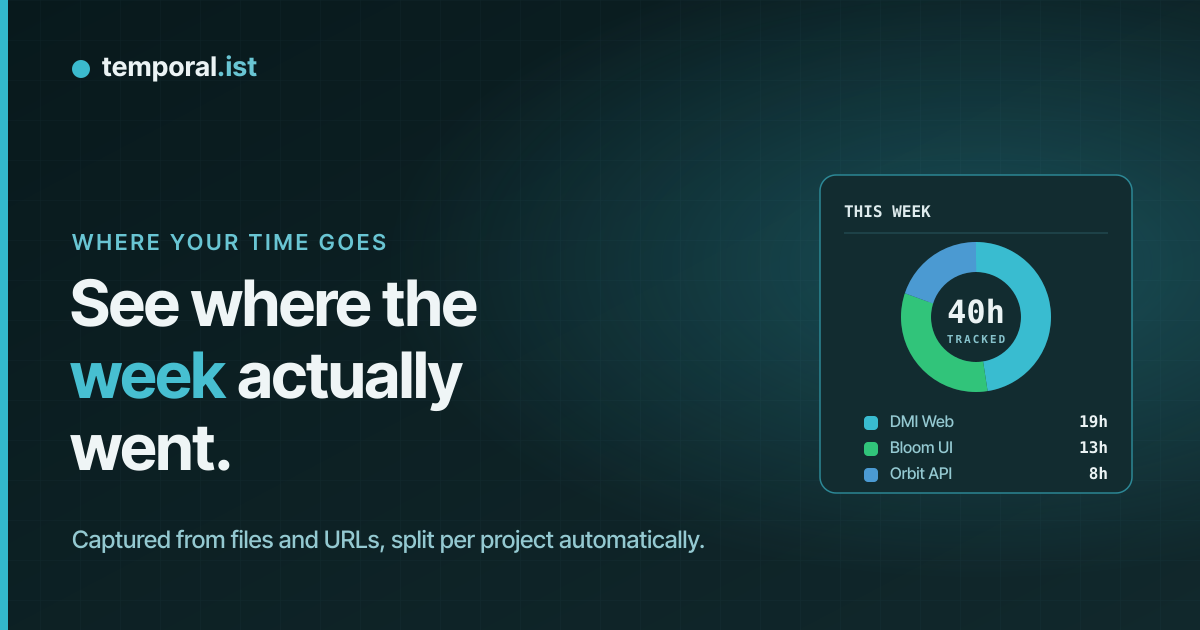
It’s Friday, 17:00.
Temporal.ist reconstructs your week from file saves and URL visits — every session, timestamped, on a calendar. No timers, no journaling, no guilt.
Free with unlimited folders · no credit card · 3-minute setup
One week, reconstructed from 412 file saves and 96 URL visits.
01 · MEMORY VS RECORD
Reconstructing a week from memory misplaces about 20% of it. The record doesn’t.
02 · WHAT THE RECORD SHOWS
Peak hours
09:14–11:40
Your sharpest work ships before lunch. Schedule like it.
Longest focus block
2h 12mWed
This week’s ceiling. Next week it can be the floor.
Context switches
11/day avg
Each one taxes you roughly 23 minutes of re-entry.
Most fragmented day
Tuesdaymeetings
Four meetings turned one workday into confetti.
Deep work share
34%
A third of the hours produced most of the output.
Untracked but billable
3h 50m
Surfaced from the record, straight onto the invoice.
03 · WHAT YOU DO WITH IT
Decline the 10:00 with data. “My deep work happens 09–12” is hard to argue with when it’s a chart, not a feeling.
“That integration ate 31 hours” lands differently than “it took a while.” Scope the next one accordingly.
Set capacity from your record, not your optimism. Plans built on real numbers survive Wednesday.
If you invoice, sessions become line items in seconds — including the hours you’d have forgotten by Friday.
04 · HOW IT WORKS
Windows, macOS and Linux — plus browser extensions for Chrome, Edge, Firefox and Safari.
Choose folders to watch and URL patterns to match. That’s the entire setup.
Every save and visit becomes a session on day, week and month views.
Timestamps and file paths only — no content, no screenshots, no keystrokes.
05 · THE CALENDAR
Day, week and month views — each block is a real session, down to the minute.
06 · USERS
“The calendar view changed how I plan my week. I can see when I do my best work and schedule around it.”
“I thought meetings ate my Tuesdays. It was actually Slack. The record settled it.”
07 · PRICING
Your last 30 days, free forever.
€0always
MOST INSIGHT
Patterns need more than 30 days.
€8/month
The whole team’s record, shared.
€6/user · month
All plans track automatically from day one. Pro adds the long memory the patterns come from.
08 · FAQ
No. Temporal.ist has zero input fields for time. The desktop watcher logs sessions from file saves; the browser extension logs them from URL visits. You open it to read, never to write.
Only what you point it at. You choose the folders the watcher monitors and the URL patterns the extension matches. Everything outside those is invisible to it.
Only if you save files in a watched folder. No activity, no record — and you can pause tracking any time from the tray icon.
Yes. Automatic doesn’t mean read-only. Edit, split, reassign or delete any session straight from the calendar.
The record is timestamps and file paths only — never file contents, screenshots or keystrokes. Data lives on EU servers, with GDPR export and delete built in.
NEXT WEEK IS ALREADY DEVELOPING
Free with unlimited folders · no credit card · 3-minute setup