
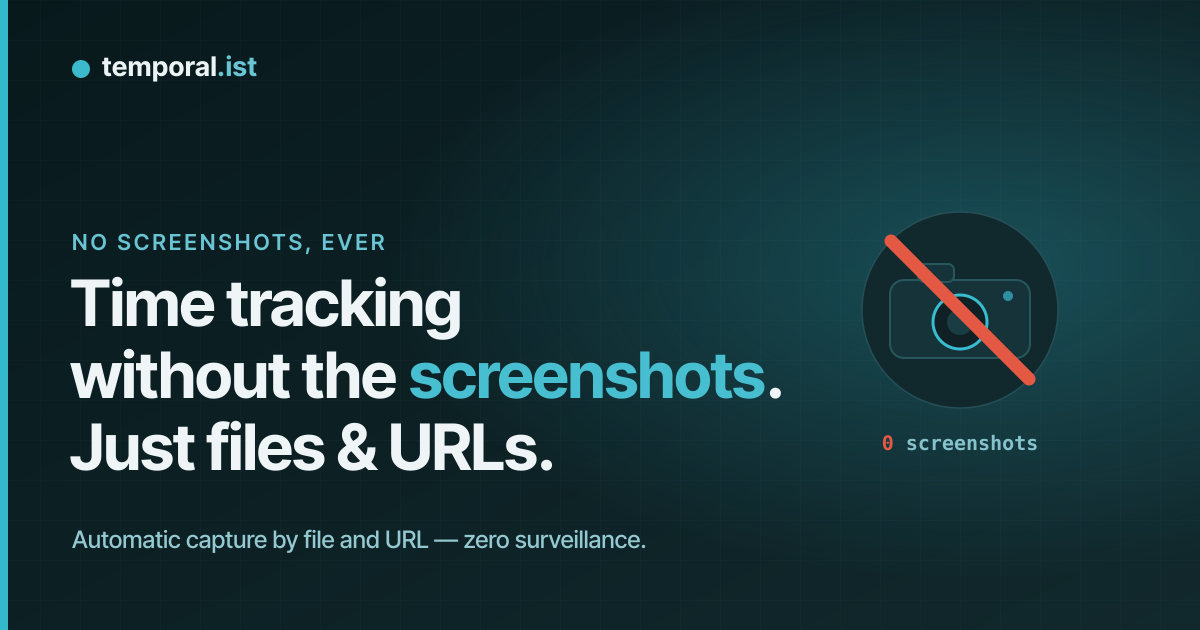
Private by design
Time tracking without the screenshots.
Temporal.ist captures every billable hour automatically — from the files you save and the sites you work on — then turns them into invoices. No screenshots. No keystroke logging. No one looking over your shoulder.
Free forever plan · no credit card · your hours, not your screen
Product illustration: a file save in a watched folder starts a tracked session automatically, with no screenshot, no keystroke logging and no screen access.
What it’ll never do
Your screen is none of our business.
Most “automatic” time trackers are monitoring tools wearing a productivity badge. Temporal.ist was built to be the opposite.
No screenshots
Not on a timer, not on any plan, not ever. It has no screen-capture capability at all.
No keystroke logging
It records that you saved a file — never a single character of what you actually typed.
No activity scoring
No "productivity %", no mouse-jiggle detection, no idle-shaming. You are not a number.
No selling your data
No ad-tech and no third-party trackers in the app. Your hours are nobody else’s business.
All it stores: a timestamp and which file or URL — never the contents.
No timers · no screen
If it never sees your screen, how does it track time?
Other no-screenshot trackers still make you start a timer. Temporal.ist watches the work you pointed it at — and nothing else.
You save a file or open a page
Only inside the folders and URLs you chose for each project. Everything else is invisible to it.
~/work/clientname/** · app.client.com/*A session starts itself
The path matches a project, so the time lands on the right client automatically. No timer, no screenshot.
checkout.ts → Client · +0:14Hours, ready to invoice
Review or edit any session — it is a draft, not a black box — then bill it in one click.
INV-202606-0007 · €4,320Built to bill hours, not watch people
For people who get paid for their time, not their pixels.
Freelancers & contractors
Prove your hours without exposing your screen. Your other clients, your NDAs and your open tabs stay private.
Agencies & teams
See where time actually goes without becoming the surveillance boss. Keep your team’s trust intact.
Developers
Coding and research tracked automatically, per project and per repo, straight from your editor and browser.
vs. surveillance-style trackers
Track the hours. Skip the surveillance.
Private by design, not by promise
From tracked to invoiced
The time you didn’t track becomes the invoice you didn’t write.
Billable hours flow straight into invoices — per-client rates, currencies, tax, PDF export and auto-numbering. Captured automatically, billed in one click.
Free forever · no credit card · cancel any time
Related guides
Answered
No-screenshot time tracking, answered.
No — never, on any plan or setting. It has no screen-capture capability; it only records timestamps and which file or URL.