
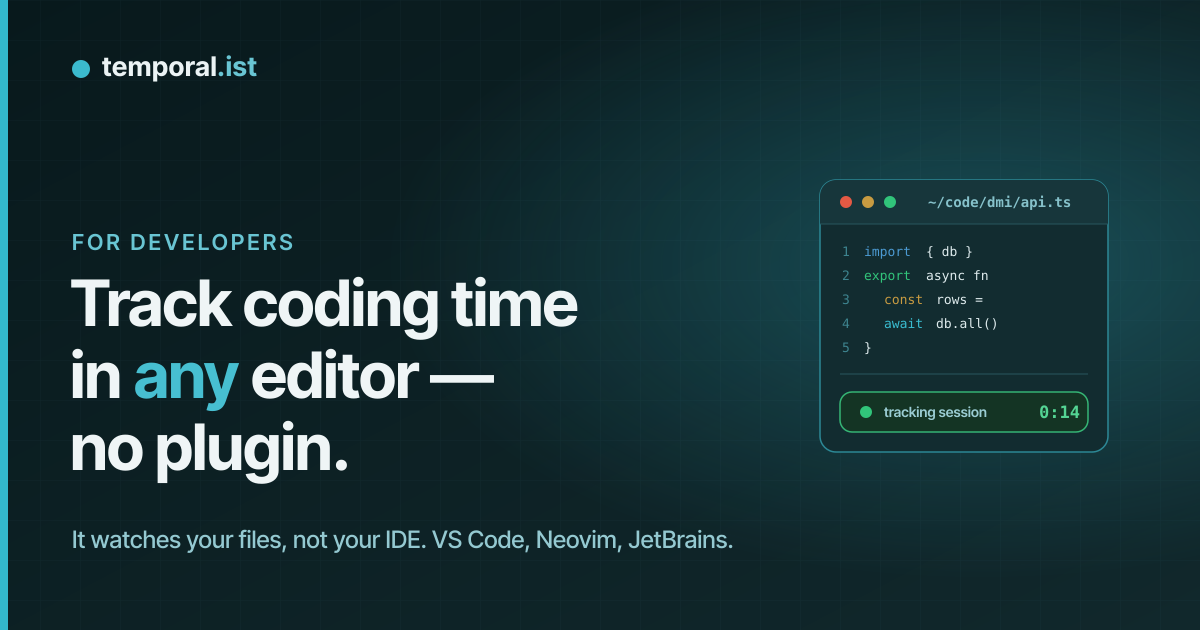
// automatic time tracking for developers
Your timesheet is a side effect of saving files.
No timers to start. No Pomodoro guilt. No alt-tabbing to a tracker you forgot to feed. Temporalist reads filesystem events and assembles your sessions, projects and invoices while you just work.
Free with unlimited folders · no credit card
# reads inotify / FSEvents / ReadDirectoryChangesW — timestamps only, never contents
// 01 · how-you-bill-time
Delete the manual timesheet.
Free with unlimited folders · no credit card · 3-minute setup
// 02 · no-plugins-required
Works with everything that writes to disk.
Temporalist doesn't hook into your editor — it listens to the filesystem. If your tool saves a file, it counts. No plugin to install, no plugin to break on the next major version.
// 03 · man temporalist
The feature list, as a man page.
NAME
temporalist — turn file saves into billable hours
SYNOPSIS
temporalist watch <folder> [--project <name>]
temporalist today | report | invoice
DESCRIPTION
Sits in your tray. Watches the folders you point it at, assembles sessions from save timestamps, ends them when you go idle, and rolls them up into reports and invoices. You do nothing.
OPTIONS
--folders One folder per client or project. Sessions attach themselves to the right job.
--urls Browser URL patterns track the half of your work that happens in a tab.
--idle-timeout 15m Sessions end themselves when you stop. No orphaned nine-hour entries.
--offline Local SQLite first. Work on a plane for a week; it syncs when you are back.
--invoice Auto-numbered invoices built from tracked time. Exports PDF, CSV and JSON.
--privacy Timestamps and paths only — no contents, no screenshots, no keylogging.
Read the privacy doc — it's founder-signed, and shorter than your eslint config.
// 04 · pricing --currency=eur
Pick a plan. Bill more hours.
solo
for your own folders
- +unlimited folders & URLs
- +basic dashboard
- +30-day history
- +weekly reports
recommended
pro
or €80/yr — 2 months free
€8/mo ≈ 7 minutes of billable time.
- +everything in Solo
- +unlimited history
- +analytics
- +client & project tags
- +invoice generation
- +exports — CSV / PDF / JSON
team
min 4 seats
- +everything in Pro
- +team dashboard
- +manager reports
- +billable rates
- +client portal
- +DPA
No credit card to start. Cancel anytime — your data exports as JSON either way.
// 05 · faq
Objections, handled.
Does it read my code?
No. The watcher consumes filesystem event timestamps and paths — inotify on Linux, FSEvents on macOS, ReadDirectoryChangesW on Windows. File contents are never read, and nothing except timestamps, paths and session metadata ever leaves your machine.
What does it cost me in CPU and RAM?
It is a file watcher — the watchdog pattern, not a daemon farm. Idle CPU is effectively zero and memory stays in tens-of-megabytes territory. A single Slack tab costs you more.
I work offline. On planes, even.
Everything lands in a local SQLite database first. Track for a week without a connection; sessions sync to the dashboard the moment you are back online.
What about time not spent in an editor — PRs, reviews, docs?
The browser extension tracks URL patterns you define: GitHub PRs, issue trackers, staging environments, documentation. For anything else, sessions can be added or adjusted manually.
Can I fix a misattributed session?
Yes. Automatic does not mean read-only — every session is editable. Reassign it to another project, trim it, split it, or delete it.