
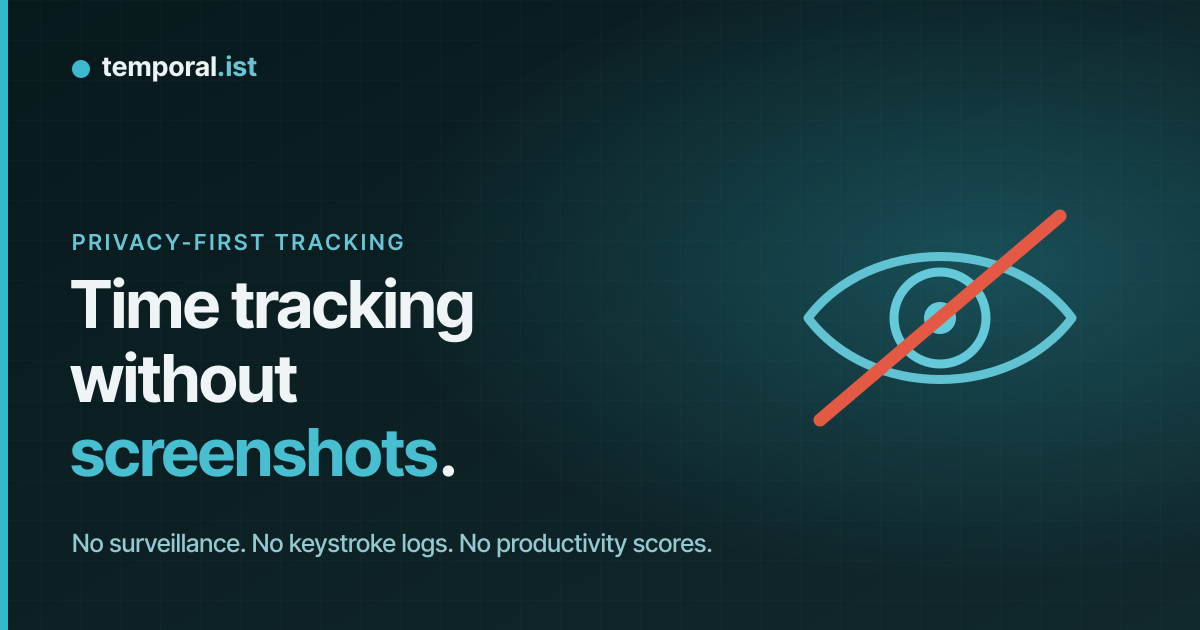
"Automatic" has come to mean "monitored"
Search for an automatic time tracker and most of what you find watches your
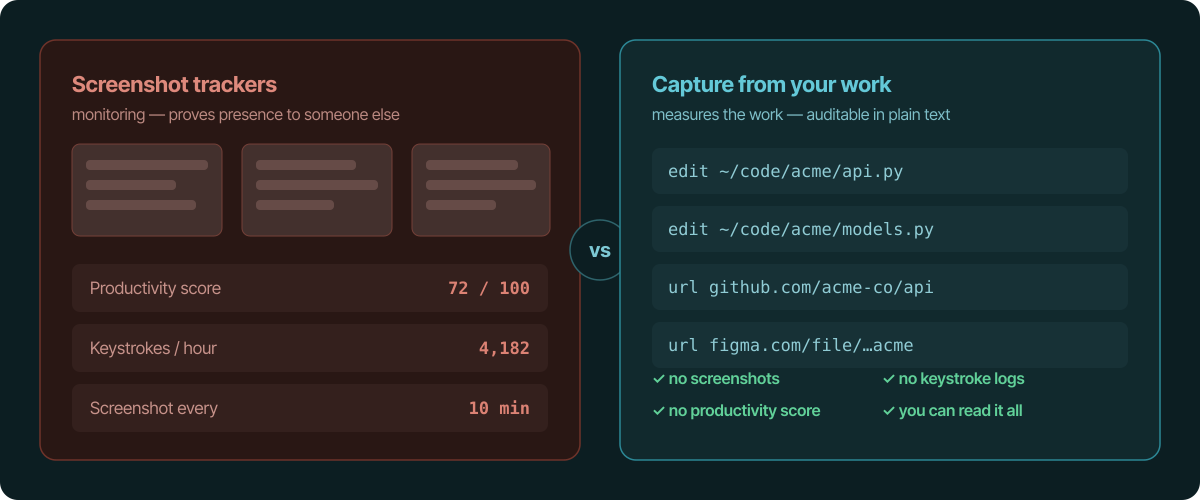
screen: periodic screenshots, keystroke and mouse-movement counts, a
"productivity score" out of 100, time-per-window breakdowns. For a manager
auditing a contractor, that's the point. For a freelancer, a small studio, or
anyone who just wants an accurate timesheet, it's a surveillance system you've
pointed at yourself.
The thing is, you don't need any of it to track hours accurately. Screenshots
are how some products prove work happened to a third party. They are not how
you measure how long the work took.
What you can track instead
Two signals are enough to reconstruct an honest billable day without watching a
single pixel of your screen:
- File edits. A background desktop client (macOS, Windows, Linux) watches
the directories you choose. Saving a file in a project's folder starts a
session for that project. On servers, the Linux CLI does the same over SSH. - Visited URLs. Browser extensions (Chrome, Firefox, Edge, Safari) match
URL patterns to projects, so research, docs, and web-app work get captured
too.
Both are events you generate by doing the work. Neither requires a camera on
your desktop.
"But is it as accurate?"
For billing, it's often more accurate, because it doesn't depend on you
remembering to start anything, and idle time (no in-scope file activity for a
configurable window, default 15 minutes) auto-closes the session so breaks
aren't counted. A screenshot every 10 minutes tells someone you were present;
a session built from your actual edits tells you what you worked on and for
how long.
Auditable by design
The privacy difference isn't just "we don't take screenshots." It's that
everything captured is readable:
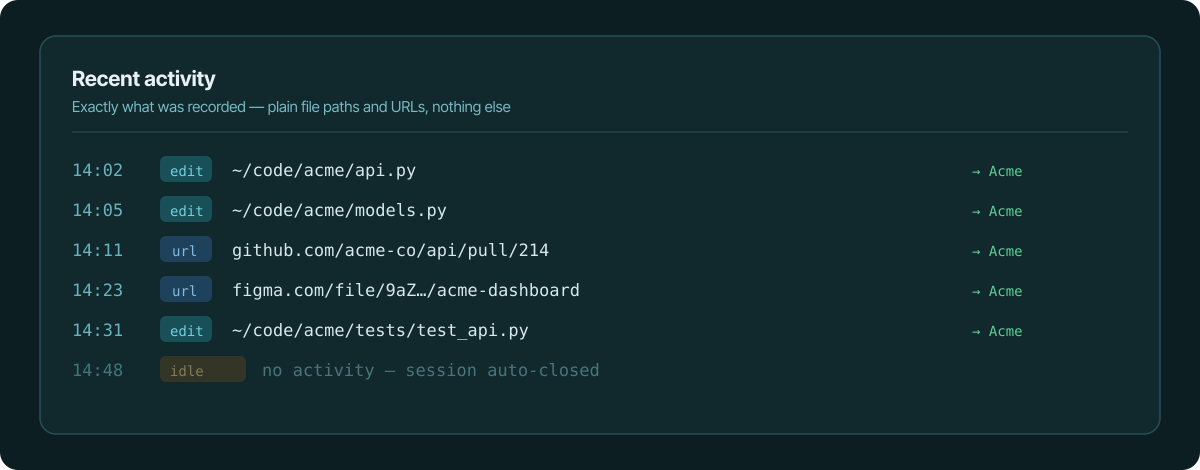
- The activity feed shows real file paths and URLs — no AI re-summarising sits
between you and what was recorded. - There is no keystroke log and no productivity score. The record is
what you built and where you browsed, not a judgement about it. - Activity is captured locally first (a local SQLite database) and only the
resulting sessions sync to the backend so teams and invoicing work.
If you can't read exactly what a tracker recorded about you, you can't trust it.
This is the opposite default.
When you actually do want surveillance
To be fair: if your business genuinely requires proving activity to a client or
employer — screenshots, idle-detection-as-evidence, per-window time — then
monitoring tools like Hubstaff, Time Doctor, or Insightful exist for exactly
that, and they do it well. Capture-from-file-edits is the wrong tool for a
surveillance mandate, on purpose. It's built for people who want an accurate
timesheet, not a watched one.
From private capture to an invoice
Because projects link to clients and rates, the sessions captured this way turn
into invoice line items in the same tool. You get accurate, billable hours and
a clean invoice without ever installing something that watches your screen.
The takeaway
Accuracy and surveillance got bundled together by the time-tracking market, but
they were never the same feature. Track from the work — file edits and visited
URLs — keep the record auditable in plain text, let idle time trim the breaks,
and bill from what was captured. No screenshots required, ever.
See also
- what the time tracker sends to the server — Field-by-field disclosure of exactly what data gets recorded.
- file changes vs activity monitors — Why file-change tracking beats app and activity monitoring.
- privacy-first time tracking — Track hours accurately without surveilling yourself or your team.
- automatic time tracking for developers — Track coding time in any editor, no plugin needed.
- track time across multiple clients — Auto-tag time per client and bill each separately.